Are you looking to better manage your activities, but your data is scattered and difficult to interpret? Creating a dashboard is the ideal solution to centralize information, monitor your indicators in real-time, and make informed decisions. In this article, learn how to create a relevant, clear, and customized dashboard.
What is a dashboard?
Definition
Before designing anything, let’s take a moment to understand what a dashboard really is, commonly referred to as a dashboard.
A dashboard is a visual tool that summarizes your key data into a clear, often graphical interface. It allows you to see at a glance what’s working, what’s deviating, and what requires your attention. Practically, everything is at your fingertips, making it easy to access your business data.
Our opinion: It’s an indispensable tool for anyone aiming to manage a project, an activity, or a business with method and clarity.
What is a dashboard used for?
If you’re still wondering about its benefits, here are the concrete advantages:
- Continuous performance monitoring without the hassle of sifting through extensive Excel sheets.
- Quickly identifying discrepancies between your targets and actual outcomes.
- Streamlining communication between teams or with stakeholders.
- Facilitating decision-making, thanks to a comprehensive view.
- Achieving clarity, where raw data often leads to confusion.
- Centralizing information so you’re no longer operating in the dark.
In short, a good dashboard saves you time, peace of mind, and better insight into your data.
In what contexts to use it? (HR, finance, marketing, etc.)
A dashboard is a cross-functional tool utilized across various fields. Here are some examples to better visualize its usefulness according to different professions:
| Service / Department | Dashboard Usage | Example Indicators |
|---|---|---|
| Human Resources (HR) | Monitoring employees, training, and workplace well-being | Turnover rate, absenteeism, number of trainings completed |
| Finance | Budget control, profitability, and financial forecasting | EBITDA, net margin, expenses by category |
| Marketing | Tracking campaigns and customer satisfaction | Click-through rate, conversions, advertising ROI |
| Production | Optimization of lead times, costs, and quality | Reject rate, cycle time, productivity |
| Management / Strategy | Overall performance management and strategic planning | Global KPIs, cross-departmental insights, summary dashboards |
Why build a dashboard?
To monitor key performance indicators (KPIs)
Key performance indicators, or KPIs, are crucial to any data-driven strategy. Without them, you’re navigating in the dark.
Building a dashboard enables you to consolidate your KPIs and track them regularly. You’ll know if your actions are yielding results or if you need to adjust your efforts. Don’t let your data languish in an Excel file. Give them a strategic role!
To gain visibility and responsiveness
A robust dashboard provides you with immediate visibility of your operations. You can instantly determine whether everything is running smoothly or if corrective measures are needed.
This comprehensive view allows you to respond faster, eliminating the need to wait for the next monthly report.
To facilitate decision-making
You know it , making decisions based on “instinct” is no longer sufficient. A dashboard provides you with a concrete, reliable, and updated basis to make informed decisions.
You gain objectivity, better anticipate issues, and most importantly, you can justify your decisions more easily to your team or management.
What are the different types of dashboards?
Before building a dashboard, you should determine its intended purpose. Here is a clear comparison to help you understand more clearly.
| Dashboard Type | Main Objective | Update Frequency | Example Indicators |
|---|---|---|---|
| Operational | Track daily actions | Daily or weekly | Processing time, action volume |
| Strategic | Guide long-term decisions | Monthly or quarterly | ROI, customer satisfaction, overall efficiency |
| Financial | Control economic results | Monthly or at each closing | Revenue, margin, profitability |
| Sales | Manage sales performance | Weekly to monthly | Sales, conversion rate, average basket |
| HR | Improve personnel management | Monthly | Absenteeism, turnover, salary cost |

As you can see, each dashboard has its specific function. If you manage a field team, the operational dashboard is likely what you’re looking for. If you focus more on business strategy, the strategic dashboard will provide a crucial overview. The financial dashboard is essential for maintaining budgetary guidelines, while the commercial dashboard helps adjust your actions based on outcomes. For HR purposes, as your company scales, the HR dashboard becomes indispensable.
Now that you have a clearer picture of the main dashboard categories, let’s proceed to building one step by step.
How to build a dashboard step by step?
Creating an effective dashboard involves more than assembling a few colorful charts. It’s a structured approach you can follow step by step.
Step 1 : Define the dashboard’s objective
It all begins with a question: What is this dashboard for? You need to determine who will use it, why it’s needed, and what it should highlight. The clearer the objective, the more effectively you can construct a tool that is not just visually appealing but also practical.
Step 2 : Identify the appropriate performance indicators
There’s no need to overwhelm with an abundance of figures. Select relevant KPIs compatible with your objectives. If you’re uncertain, ask yourself: “Does this indicator truly aid in my decision-making?” If not, exclude it.
Step 3 : Select the correct data sources
Your data must be reliable, up-to-date, and useful. Collect them from your CRMs, ERPs, or internal databases, ensuring they are current. An outdated dashboard can lead to poor decisions, which is a major pitfall.
Step 4 : Organize the information
Structure your dashboard systematically. Group data by theme, prioritize sections, and enhance readability. Users should instantly grasp what they’re viewing, or they may lose interest.
Step 5 : Create impactful visualizations
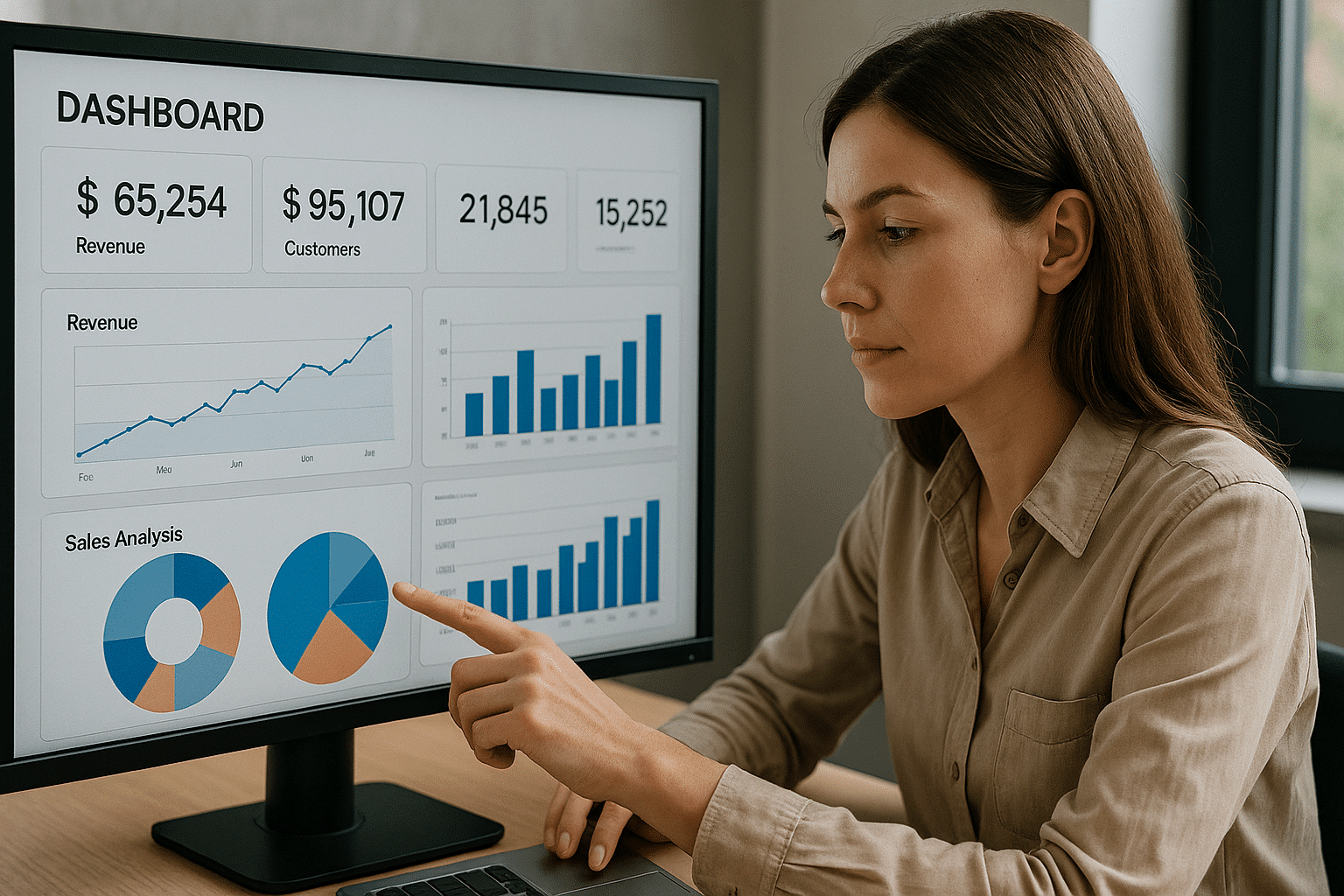
A good chart is more valuable than a lengthy explanation if you choose the right one.
Types of charts
Lines highlight trends over time, bars compare volumes, pie charts demonstrate distribution. When applicable, maps illustrate geographical context.
Color choices
Avoid the temptation of a rainbow effect. Use distinctive colors: green for positive trends, red for issues, and neutral tones for everything else. This allows for intuitive comprehension, even at a quick glance.
Step 6 : Test, evolve, and update regularly
Your dashboard is a dynamic entity, not a static item. Test it, gather feedback, and continuously improve it. As objectives and data evolve, so must your dashboard. Failure to update it will render it obsolete.
Rules to know for an effective dashboard
Designing an excellent dashboard doesn’t rely on flashy aesthetics; it’s primarily about clarity, organization, and pertinence. To ensure your dashboard truly serves a purpose, you must adhere to several key principles.
The 5-second rule
An effective dashboard is discerned immediately. The essentials should be understood in under five seconds. This is known as the 5-second rule. If one has to ponder, search, or scroll to capture the core information, the dashboard isn’t sufficiently clear. Your brain should immediately perceive the priorities. This is the first element to assess, whether for a manager or a client.
Simplicity and information hierarchy
Clarity is key, so avoid unnecessary embellishments and arrange data by importance. Present what’s crucial first, followed by additional information. If everything is displayed equally, it can overwhelm the reader. Simplicity doesn’t imply lacking depth, but enhancing readability. A well-structured hierarchy facilitates easy navigation, even if skimming through the dashboard.
Adapting design to your target audience
A proper dashboard is designed for its users, not its creator. For executive audiences, be concise, visual, and impactful. If it’s for operational users, provide more details, precision, and context. Tailor the language, information density, and level of interactivity. The relevance of design lies here. Ignoring this step risks creating a useless tool, even with flawless data.
What tools to create a dashboard?
Today, creating a dashboard doesn’t require developer skills. Depending on your needs, technical skill level, and resources, several options are available. Some are simple and accessible, while others are more robust and complex. Here’s how to make the right choice.
Excel : the accessible base for everyone
Excel remains a dependable choice. For beginners or individuals working solo, it’s the most straightforward tool. You can design clear tables, insert formulas, generate charts, and even incorporate interactive filters. While it may lack automation and real-time data source connectivity, it suffices for internal purposes. We believe it’s an excellent starting point.
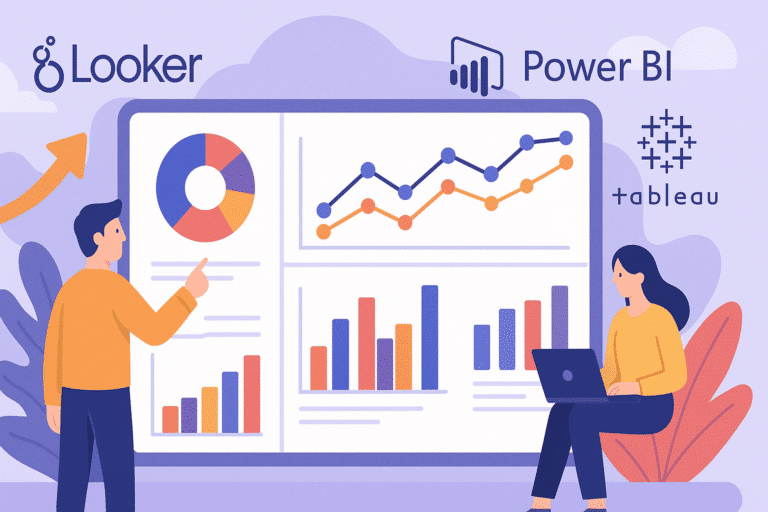
Power BI, Tableau, Looker : professional solutions
As your needs expand, consider transitioning to Business Intelligence tools like Power BI, Tableau, or Looker. These platforms enable you to connect your databases, create dynamic visualizations, and share your dashboards online. Power BI is ideal in a Microsoft environment, Tableau excels in graphic richness, and Looker is outstanding for model-oriented logic. While powerful, they require some learning. In a data team context, they significantly enhance productivity.
Free alternatives : advantages and limitations
If you’re seeking a free solution, consider Google Looker Studio (formerly Data Studio), Metabase, or Grafana. Google Looker Studio is intuitive and connects with Google tools. Metabase suits SQL dashboard generation without coding. Grafana is powerful for visualizing technical or real-time metrics. However, these tools have limitations: lack of customization options, sometimes complex interfaces, or absence of certain advanced features. Ambitious or decision-maker-oriented projects might quickly hit constraints.
Conclusion
A well-designed dashboard is more than a visual tool; it’s a strategic asset. It allows you to gain clarity, monitor your KPIs in real-time, and most importantly, make decisions aligned with your goals. Whether you use Excel, Power BI, or Looker Studio, the key is to tailor your dashboard to your needs, data, and audience. Begin simply, structure thoughtfully, test consistently, and always remember: a good dashboard should drive action, not merely serve as decoration.