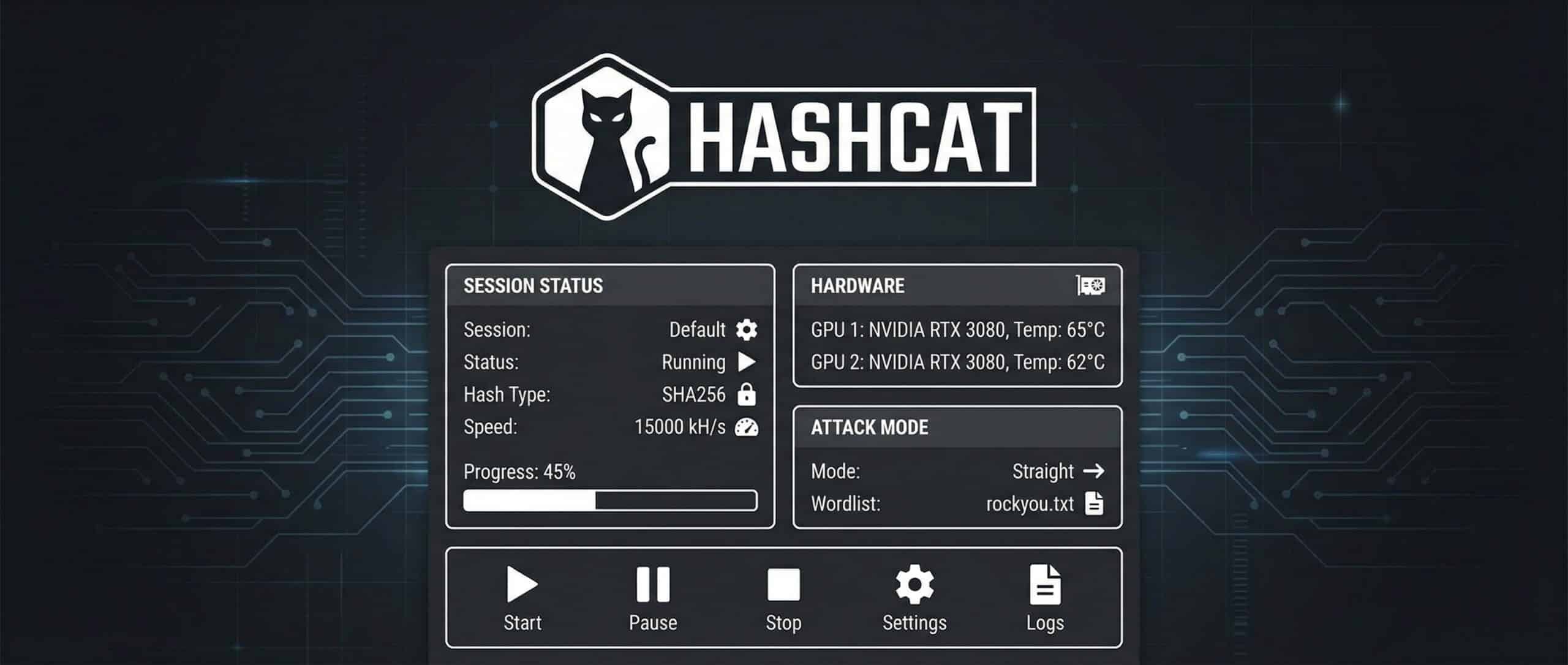
Are you wondering how cybersecurity experts test the strength of passwords? To understand this, you need to know what a hash is: a unique, unreadable fingerprint that protects passwords without storing them in plain text. However, when these fingerprints fall into the wrong hands, specialized software can attempt to crack them. This is where Hashcat comes into play-a powerful, legal, and remarkably effective tool for auditing your security systems.
Hashcat: the essentials
- 🔓 Hashcat is the fastest open-source password-recovery tool, used by pentesters and security teams to test how resistant password hashes really are.
- 🎯 Attack modes: dictionary (mode 0) combined with rules is the highest-yield combo; brute-force/mask, hybrid and association cover the rest.
- 🧮 300+ hash types supported , MD5, SHA-1, bcrypt, PBKDF2 and WPA2 (mode 22000).
- ⚖️ Legal use only: run it exclusively on systems you own or are explicitly authorized to test.
- 🛠️ Alternatives: John the Ripper for offline auditing, THC Hydra for online network services.
What is Hashcat?
Understanding Hashes and Their Role in Security
Before delving into Hashcat, you need to define what a hash is. When a password is stored on a server, it is rarely kept in plain text. Instead, a hashing function transforms this password into a unique and irreversible fingerprint, called a hash. This secures passwords by replacing them with an unreadable fingerprint while still allowing the system to verify their validity without ever needing to know or display the original password.
However, if an attacker obtains these fingerprints, they may try to retrieve the original passwords by testing thousands of combinations using powerful decryption tools. It is precisely this type of task that Hashcat facilitates in a legal and controlled context.
Hashcat: An Ethical Hacking Tool Focused on Pentesting
Hashcat is a password recovery tool that is powerful, fast, and widely used in cybersecurity. Its goal is not to hack but to test the robustness of your systems during a pentest performed by an expert or a Certified Ethical Hacker.
Its use is perfectly legal, provided you have the explicit permission of the system owner. Without this consent, its use could be considered an offense or even an attempt at intrusion.

Train in Ethical Hacking Master pentesting tools and techniques with our cybersecurity programmes.
Why Use Hashcat: Common Use Cases
Whether you are a cybersecurity auditor, SOC analyst, pentester, or simply passionate about computer security, Hashcat is an essential tool for understanding and testing the robustness of passwords. Designed to perform high-performance brute-force or dictionary attacks, it allows you to simulate realistic compromise scenarios and assess the security of hashing systems. Used within a legal and ethical framework, Hashcat helps you identify weaknesses in password policies, enhance protection measures, and serves as a powerful ally in any intrusion test or security audit effort.
It is commonly used for:
- Auditing the strength of passwords within a company,
- Conducting pentests (simulated intrusion tests),
- Training technical profiles within cybersecurity or ethical hacking curricula.
Hashcat allows you to simulate realistic attacks, thereby strengthening your security policies.
How Does Hashcat Work?
Different Types of Attacks (Brute-Force, Dictionary, Combined…)
Attack Modes Overview
| Attack type | Description | Advantages | Disadvantages |
|---|---|---|---|
| Brute force | Tests all possible combinations until the password is found. | Exhaustive method that guarantees a result if the password is short or simple. | Very slow for long or complex passwords and requires significant computing power. |
| Dictionary | Uses a predefined list of common passwords. | Fast, especially when using well-crafted dictionaries. | Ineffective if the password is original or uncommon. |
| Combined | Combines two or more words from one or several dictionary files. | Produces more complex combinations from simple words. | Slower than a basic attack and requires a high-quality word database. |
| Hybrid | Adds prefixes or suffixes to dictionary words, such as numbers or years. | Mimics human password habits like appending dates or symbols. | Less effective if the password does not follow predictable patterns. |
What Algorithms Are Supported?
Where Hashcat shines is in its compatibility with over 300 algorithms:
- Classics like MD5, SHA-1, SHA-256,
- More robust ones like bcrypt or PBKDF2,
- As well as protocols related to Wi-Fi security (WPA/WPA2) or cryptocurrencies.
No matter your need, Hashcat offers rare versatility, essential for auditing any type of environment.

How to Install Hashcat?
Technical Prerequisites (GPU, System, etc.)
Before diving into installation, it is crucial to understand what you need to run Hashcat properly. Hashcat primarily leverages your GPU to expedite the password recovery process. The more powerful your graphics card, the faster and more effective the software will be.
If you are using an NVIDIA card, you will need to install the appropriate CUDA drivers. For AMD, the OpenCL drivers are required. Also, ensure that you have an up-to-date 64-bit system with a functional terminal or command prompt.
Let’s proceed with the installation according to your operating system.
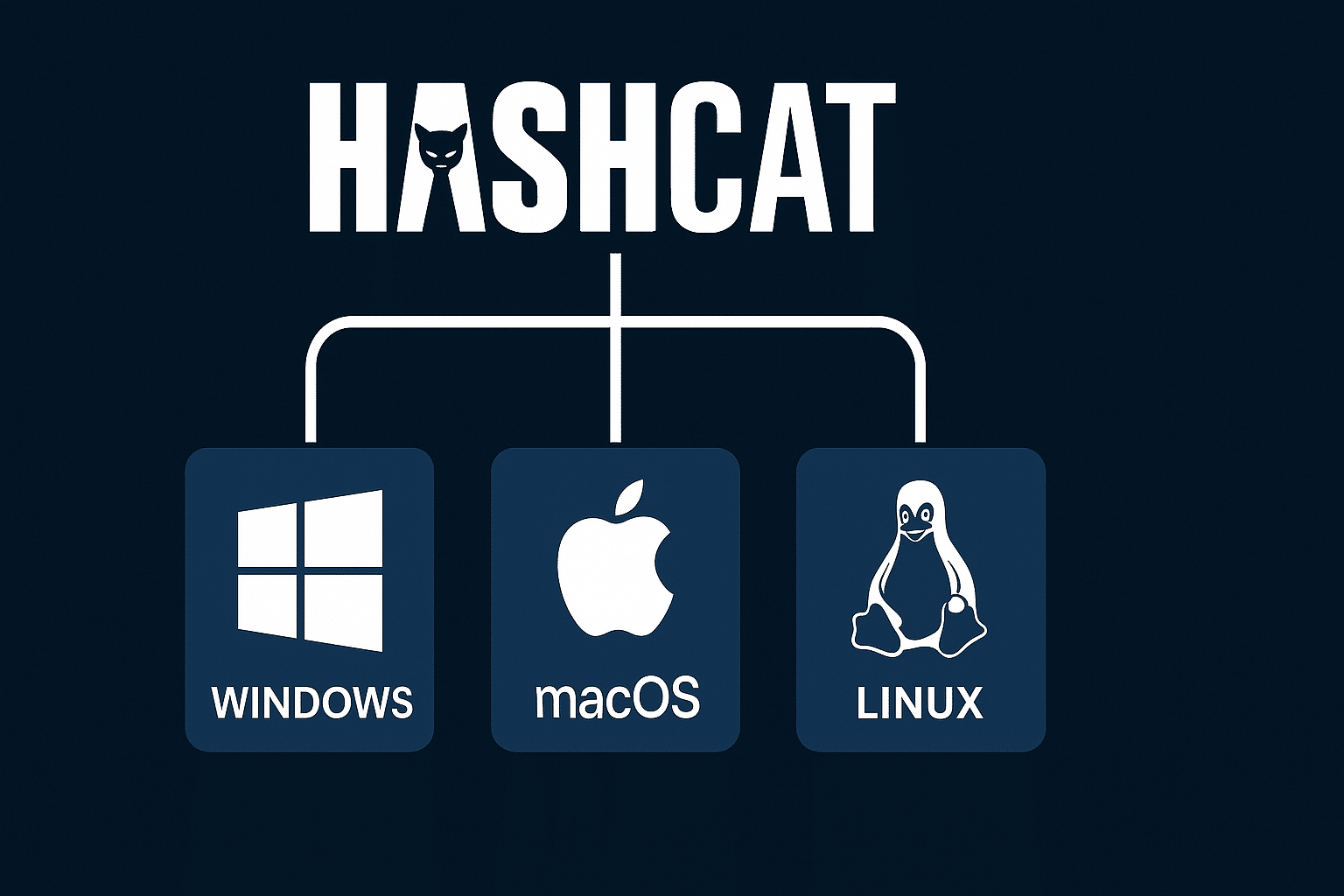
Install Hashcat on Windows
On Windows, the installation is quite straightforward. Start by visiting the official Hashcat website to download the latest stable version. Once the compressed file is downloaded, extract it into a dedicated folder using WinRAR or 7-Zip. After extracting the files, open the command prompt, navigate to the installation directory using the cd command, then run hashcat.exe to verify everything works correctly.
Install Hashcat on macOS
On macOS, the installation requires a bit more diligence. Apple limits low-level access to the GPU, so performance might be lower, but the tool remains functional. Start by downloading the macOS version from the official site. Then use Terminal to extract and navigate into the installation folder. If you receive an error message about permissions, allow execution via System Preferences > Security & Privacy. Finally, ./hashcat from the terminal to launch the software.
Install Hashcat on Linux
On Linux, Hashcat installs easily if you follow the correct steps. After downloading the archive from the official site, use the command tar -xvf to extract the content. Once the drivers are in place, navigate to the installation folder, then simply run ./hashcat to launch the tool. You’re prepared to tackle the rest.
Get Started with Pentesting Learn to use ethical hacking tools in real-world scenarios with Liora’s cybersecurity courses.
How to Use Hashcat Effectively?
Let’s move to the crucial step: usage. Hashcat is powerful, but you need to know how to use it. Don’t worry; once the basics are mastered, everything becomes smooth.
Basic Commands to Know
Essential Hashcat Commands
| Command | Description |
|---|---|
hashcat -h |
Displays the built-in help and the full list of available options. |
hashcat -a 0 -m 0 hash.txt rockyou.txt |
Performs a dictionary attack (mode 0) on MD5 hashes (type 0) using the rockyou.txt wordlist. |
hashcat -a 3 -m 0 hash.txt ?a?a?a?a?a?a |
Executes a brute-force attack (mode 3) on MD5 hashes, testing all possible six-character combinations. |
hashcat -a 6 -m 0 hash.txt rockyou.txt ?d?d?d |
Performs a hybrid attack (mode 6) by appending three digits to each dictionary word, simulating passwords like admin123. |
Every option has its logic. The -a defines the attack mode (0 for dictionary, 3 for brute force, 6 for hybrid), the -m specifies the hash type (MD5, SHA1, bcrypt…), and the rest configure the files to use.
Concrete Examples of Usage
Let’s consider a typical case. You retrieve a file containing MD5 hashes extracted from a database during an audit. You want to check if weak passwords have been used.
You run the following command:
Dictionary attack on MD5 hashes
hashcat -a 0 -m 0 hash.txt rockyou.txtHashcat will then compare each hash with the words in the rockyou.txt file. If a match is found, you will obtain the password in clear text. This is a simple way to demonstrate that a lenient password policy can jeopardize an entire system.
Another example: you suspect that users add their birth year to their passwords. You can test:
Hybrid attack , dictionary + year suffix
hashcat -a 6 -m 0 hash.txt rockyou.txt ?d?d?d?dThis hybrid attack is particularly effective in professional environments where practices are predictable.
Optimizing Performance with GPU
To gain speed, GPU optimization is essential. First step: ensure that your graphics card is properly recognized by Hashcat. To check, use the command hashcat -I (uppercase), which displays the available devices.
You can also adjust the workload using the -w option. For example, the command:
High-intensity GPU attack
hashcat -w 3 -a 0 -m 0 hash.txt rockyou.txtinstructs Hashcat to operate at a high intensity, ideal for use on a dedicated attack machine. The higher the value of -w (from 1 to 4), the more the performance is pushed, but this can also impact the stability of your machine if it’s multitasking.
Lastly, monitor the temperature of your graphics card. Overheating could slow down or even interrupt your session. Use tools like nvidia-smi or watch sensors to keep an eye on the hardware.
What Are the Alternatives to Hashcat?
While Hashcat is a benchmark in password cracking, it is not the only tool available. Other efficient solutions warrant your attention, especially in specific scenarios or under technical constraints. Among these, John the Ripper and THC Hydra are significant contenders.
Hashcat vs Alternatives
| Criteria | Hashcat | John the Ripper | THC Hydra |
|---|---|---|---|
| Attack type | Mainly offline | Offline | Online |
| GPU support | Extensive | Limited | Not applicable |
| Hash formats | Wide range | Wide range | Various network protocols |
| Ease of use | Command-line interface, requires a learning curve | Command-line interface, requires a learning curve | Command-line interface, requires understanding of network protocols |
| Use cases | Cracking recovered hashes | Password auditing on various systems | Penetration testing on active network services |

Become a Cybersecurity Expert Master the tools and techniques of ethical hacking with Liora’s dedicated training programmes.
Conclusion
Whether you wish to analyze a local hash file, audit passwords on different systems, or engage in penetration testing in a real environment, ensure you use these tools within a legal, ethical, and professional context, with the explicit permission of the target organization. The aim is never to harm but to protect by identifying vulnerabilities before a malicious third party does.
Frequently Asked Questions
What is the most effective hashcat attack mode for real-world passwords?
Mode 0 (dictionary) combined with rules (-r best64.rule) is the highest-yield combination. It covers the vast majority of passwords humans choose. Only escalate to brute-force or hybrid modes after dictionary + rules is exhausted.
What’s the difference between hashcat attack modes 6 and 7?
Mode 6 appends a mask to each wordlist word (word + ?d?d?d?d). Mode 7 prepends a mask (?d?d?d?d + word). Use mode 6 for passwords like admin2024, mode 7 for passwords like 2024admin.
How do I crack a WPA2 Wi-Fi password with hashcat?
Capture the handshake or PMKID to a .pcapng file, convert it with hcxpcapngtool -o hash.hc22000 capture.pcapng, then run hashcat -m 22000 -a 0 hash.hc22000 rockyou.txt. Only do this on networks you own or have explicit written permission to test.
Why is hashcat so slow on bcrypt?
bcrypt is deliberately slow by design. The cost factor controls how many iterations are performed. At cost 10, an RTX 4090 manages ~3,000 bcrypt hashes per second versus ~68 billion MD5 hashes per second , a 22-million-times speed difference.
What does “token length exception” mean in hashcat?
It means the hash in your input file doesn’t match the expected format for the -m mode specified. Fix: identify the correct hash type with hashid or hashcat --identify, then use the matching -m value.
Is using --force safe in hashcat?
No. --force bypasses safety warnings and can produce incorrect results or hide real problems. Fix the underlying driver or configuration issue instead of relying on this flag.
How do I resume a hashcat session that was interrupted?
If you started the session with --session mysession, resume it with hashcat --restore --session mysession. Always name long-running sessions to make recovery easy.
Useful Sources
- Hashcat official wiki , attack modes, example hashes, rule syntax
- Hashcat example hashes
-mvalues for every supported hash type - Hashcat WPA/WPA2 cracking guide , official workflow for mode 22000
- hcxtools on GitHub
hcxpcapngtoolfor converting Wi-Fi captures - SecLists on GitHub , curated wordlists for security testing
- CrackStation wordlist , 1.5 billion password list
- OneRuleToRuleThemAll , community rule file
- Black Hills InfoSec hashcat cheat sheet , quick reference card